Seatswoon, the free wedding seating chart maker
Seatswoon builds your wedding seating chart in minutes: paste your guest list, drag guests onto round or long tables, or auto-seat everyone with keep-together and keep-apart rules. Then print a designer chart.
- Paste from Excel, Sheets, The Knot or Zola
- Drag and drop or auto-seat
- 10 printable chart designs
- Seating chart generator for any event
Paste your guests to start
One name per line, couples as “Ann & Bob Lee”, or paste rows straight from Excel or Google Sheets. Free, no sign-up.
Ten chart designs, filled with your names
Every design lays itself out for your tables, from 6 to 60. Pick one, see it live with your guests, and download a print-ready PDF poster, matching escort cards and table numbers.
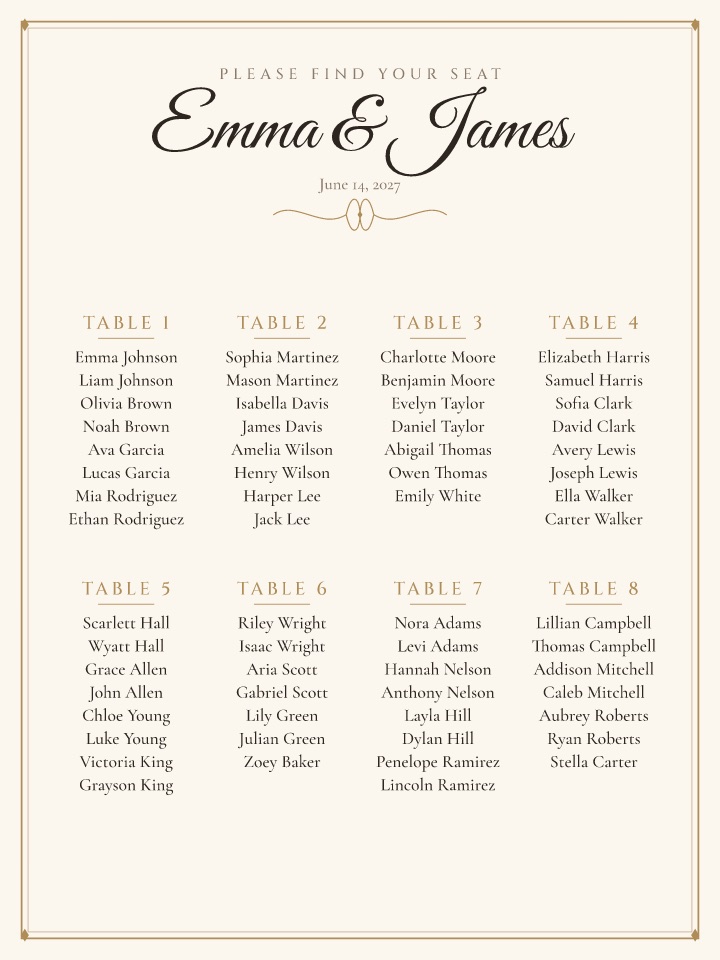
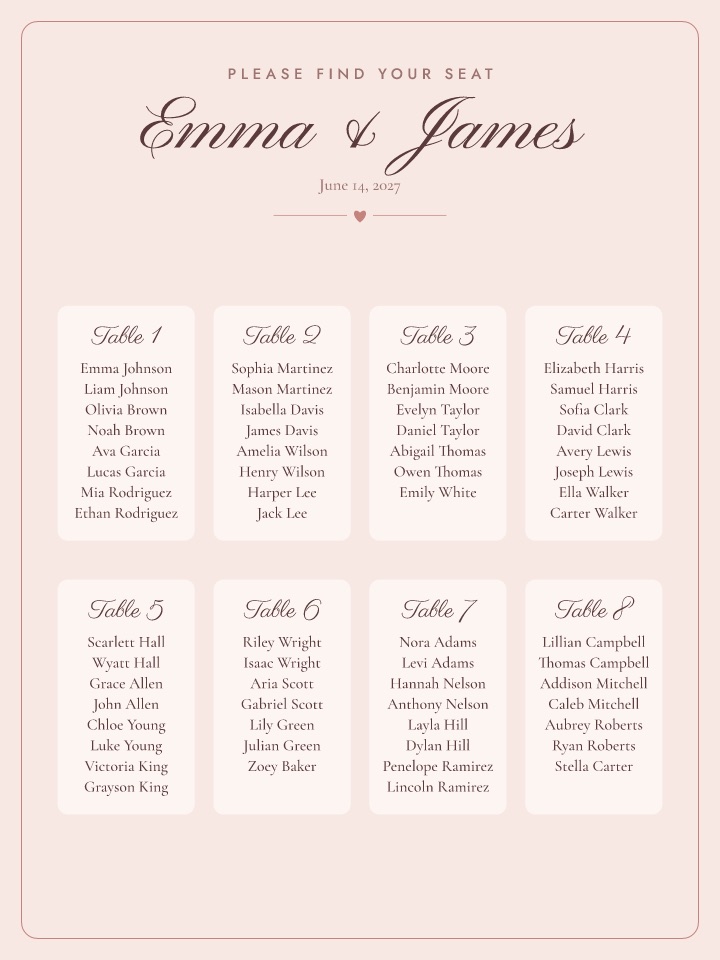
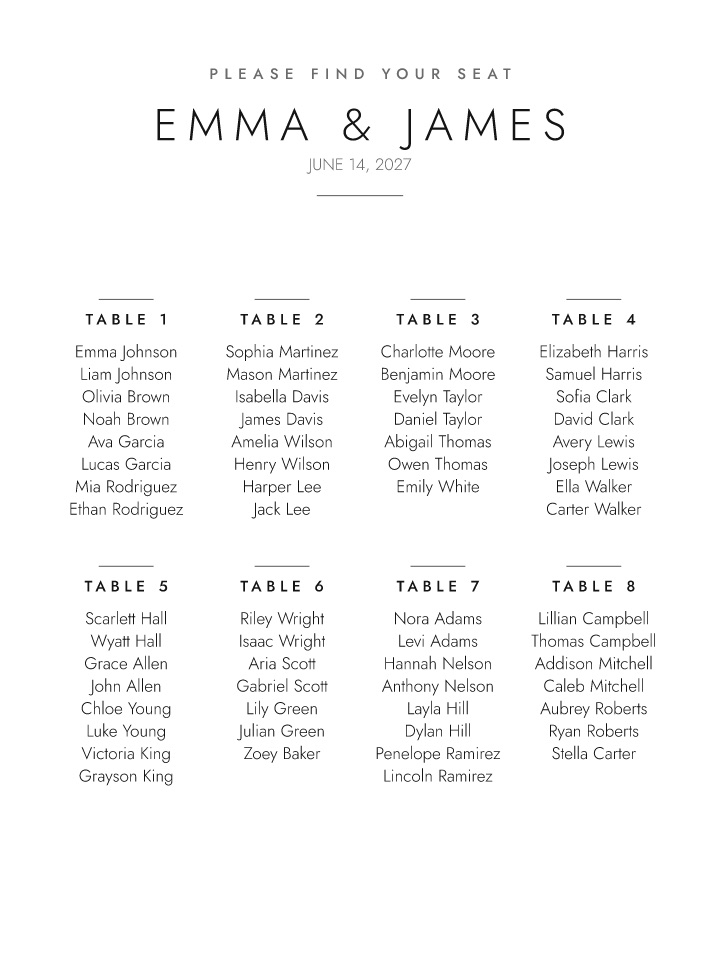
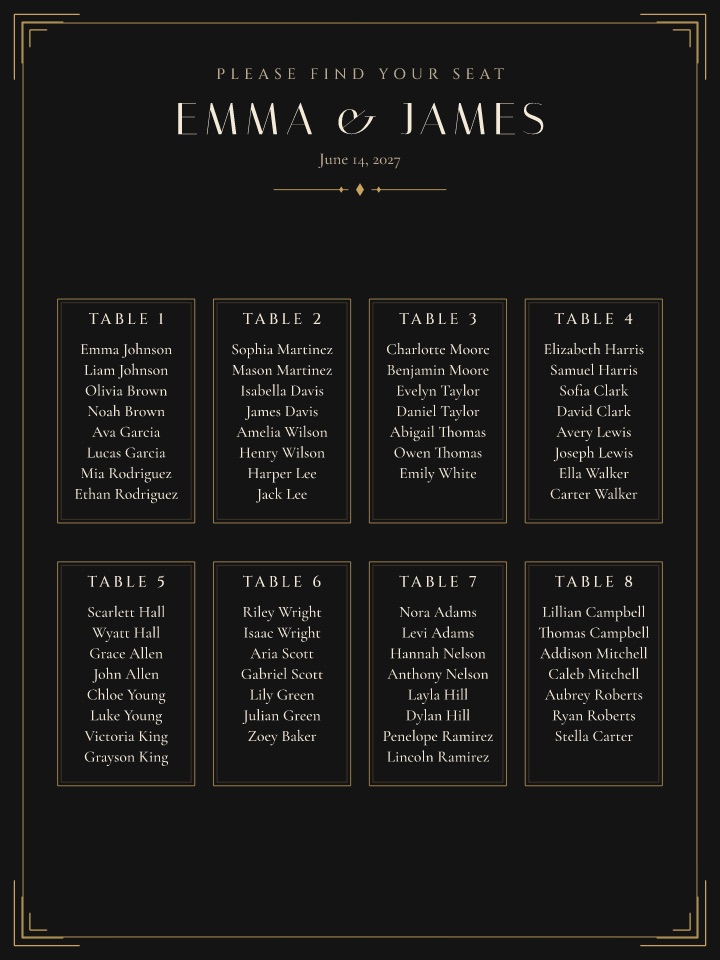
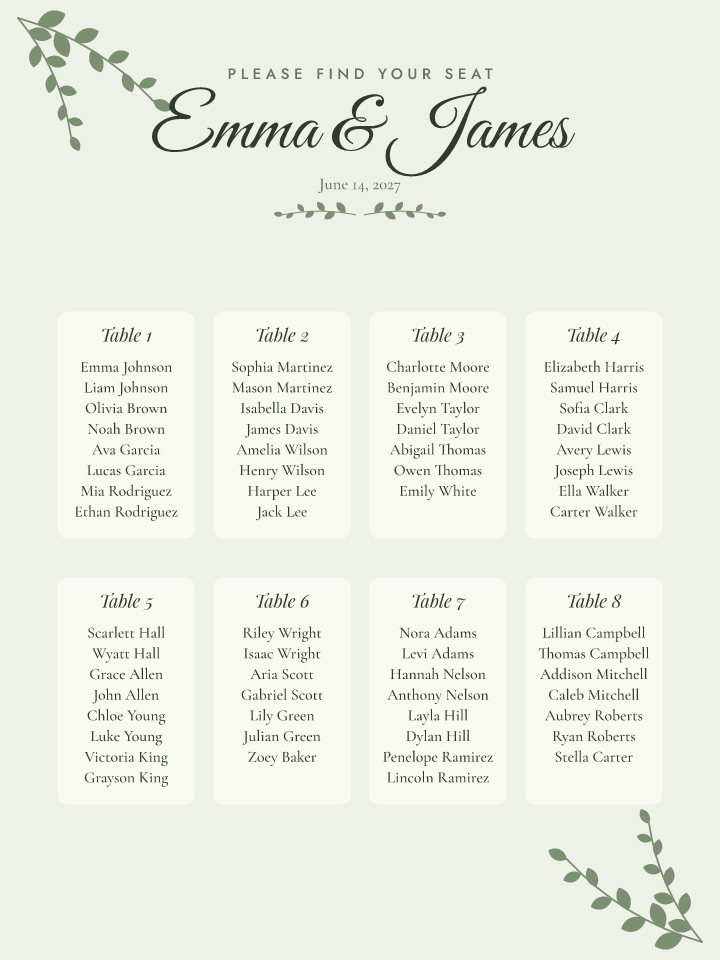
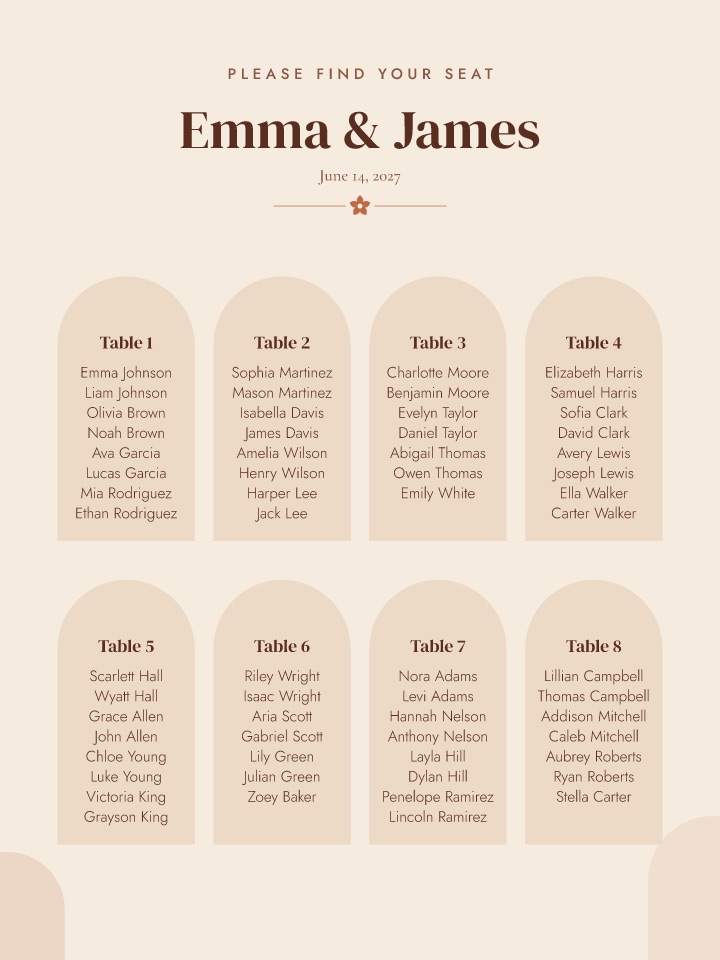
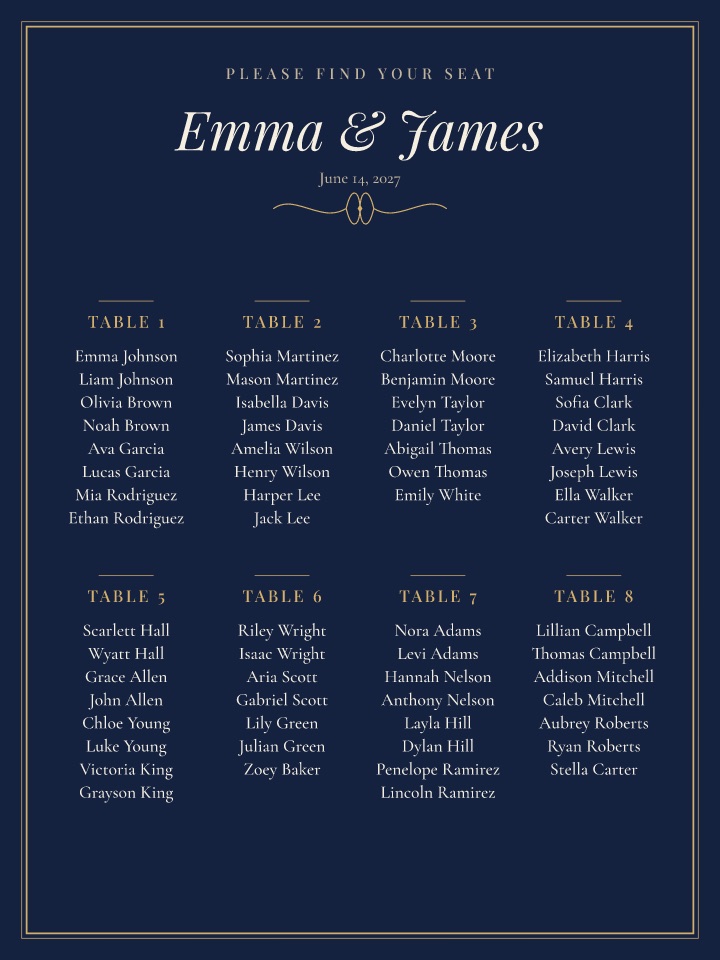
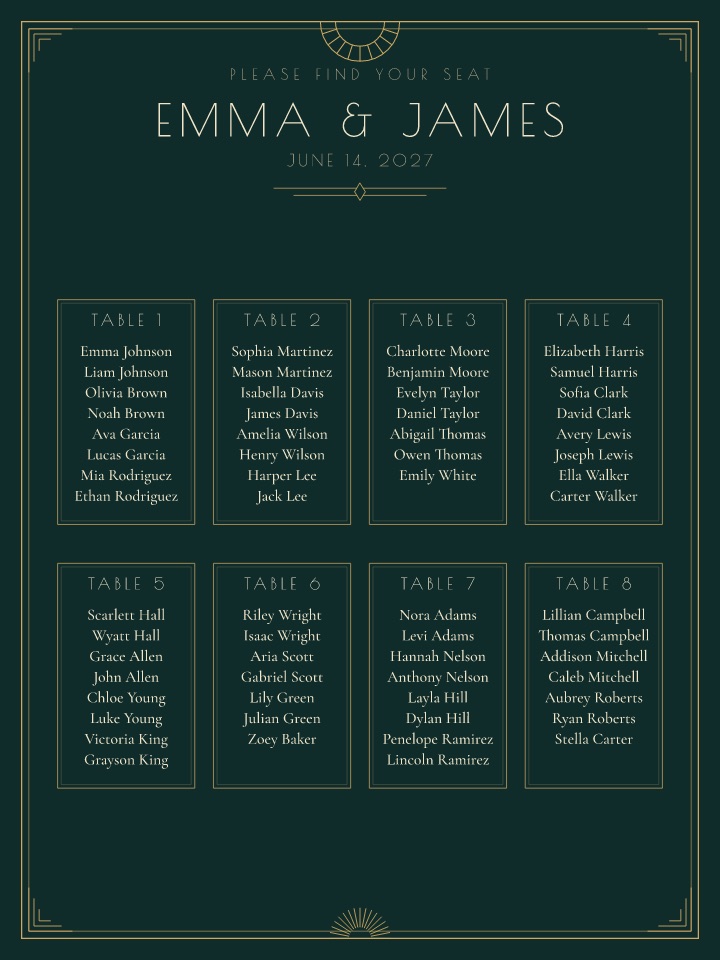
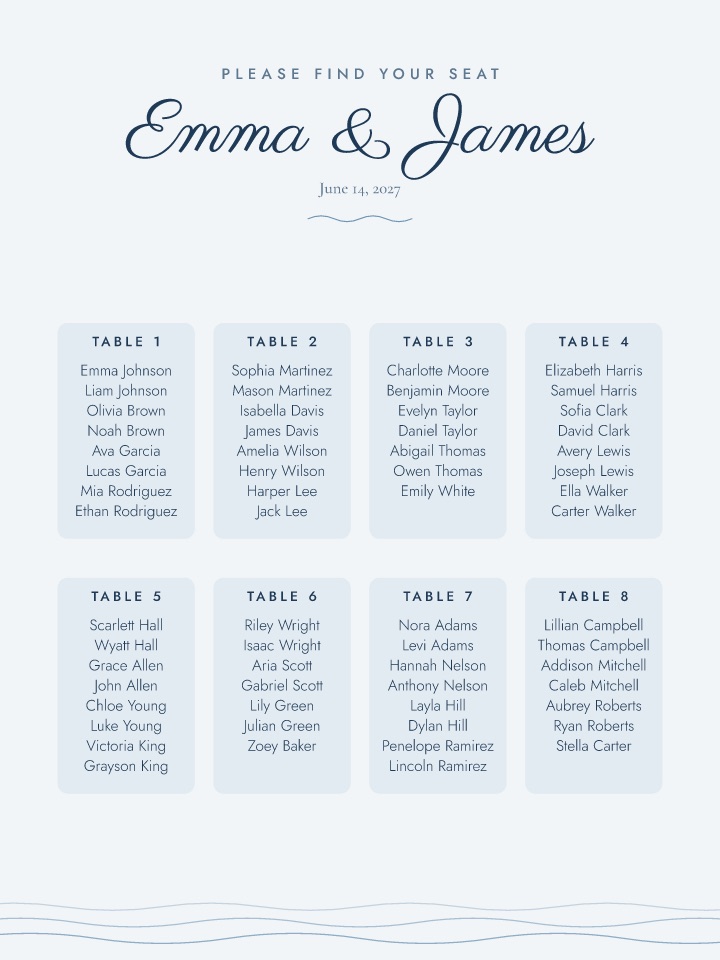
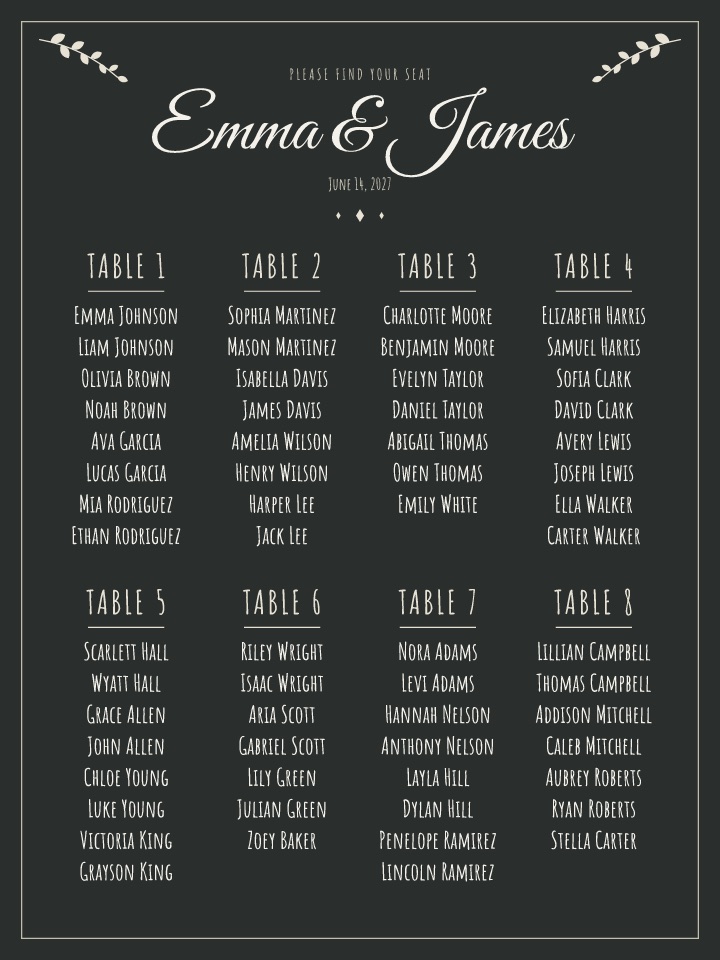
From guest list to printed chart in three steps
Paste your guest list
One name per line, rows from a spreadsheet, or a CSV. Couples, households and plus-ones are understood, and tables of 8 are set up for you.
Seat everyone
Press Auto-seat, then drag guests between tables. Add keep-apart rules for exes and feuding uncles. Round, rectangular, head and sweetheart tables.
Print it beautifully
Print the plain list for free, or unlock the designer poster, escort cards and table numbers as vector PDFs for $14.99, once.
Plan free. Print for $14.99.
- Chart poster in 10 styles, 8 sizes
- By table or A–Z by surname
- Escort cards for every guest
- 5×7 table numbers
- Vector PDF, sharp at 24×36 in
- Re-download after every change
| Seating chart tool | Free plan | To print the full chart |
|---|---|---|
| Seatswoon | Up to 600 guests | $14.99 once |
| Lovely Seating | First 60 guests | $39 once (Pro) |
| Arranged | Build only | $39.99 to export |
| SeatPlanning | 40 guests, watermarked PDF | $29 Event Pass (90 days) |
| Table-plan.com | 30 guests | $29 per event (3 months) |
| WedSeat | None | $29.95 (3 PDF generations) |
Prices from each company’s own pricing page, checked November 21, 2026.
Seating chart FAQ
Is Seatswoon really free?
Yes. Importing your guest list, adding tables, drag and drop, auto-seat with keep-together and keep-apart rules, saving to a private link, the plain printable list and the CSV export are all free, for up to 600 guests. You only pay $14.99, once, if you want the designed print files: the chart poster in 10 styles, escort cards and table numbers.
Do I need an account?
No. Your plan saves automatically to a private link (seatswoon…/p/…). Bookmark it, or copy it to your partner or planner: anyone with the link can open and edit the plan.
Can I import my guest list from Excel, Google Sheets, The Knot or Zola?
Yes. Copy the rows from Excel or Google Sheets and paste them, or upload a CSV export. Seatswoon reads name or first and last name, plus party or household, meal and table columns when they are there. Couples on one line ("Ann & Bob Lee") and plus-ones ("+1") are split into separate guests.
How does the auto-seat seating chart generator decide who sits where?
It keeps each household or group from your list at one table, follows your keep-together and keep-apart rules, and fills the fullest table that still fits each group, so you get full tables and few leftovers. Then you drag anyone you want to move. "Seat the rest" keeps everyone you already placed.
What do I get for the one-time payment?
Print-ready vector PDFs for that seating plan: the seating chart poster in all 10 styles and 8 sizes (18×24, 24×36, 16×20, 11×17, two landscape sizes, A2, A1), by table or A–Z, escort cards for every guest (10 per sheet with cut marks) and 5×7 table numbers. No watermark, and you can download again after every change.
Where do I print the seating chart?
Any print shop or online printer that takes a PDF: Staples, FedEx Office, Walgreens, Shutterfly or a local printer for foam board or poster paper. The files are vector, so they stay sharp at 24×36 inches. Escort cards and table numbers print on card stock at home.
Is there a refund?
Yes. If the print files don’t work for you, email hello@seatswoon.com within 14 days for a full refund.